
Light bulb · Wi-Fi
LIFX Color A19
Matter over Wi-FiCSA certified
Listed for Apple Home, Amazon Alexa, Google Home and Samsung SmartThings
Price at retailer
Amazon
Home Assistant + Matter · October 2026
How Home Assistant runs Matter, what a Thread device needs, and which certified devices to buy by room or need, with the quote behind every Home Assistant claim.
Source-based: Home Assistant’s, Apple’s, Google’s and Samsung’s own help pages, makers’ pages, the CSA certification ledger and retailer listings. We have not performed hands-on testing. Editorial policy
We may earn a commission from purchases through our links. How our links work
Short answer
Which Matter devices work with Home Assistant?
As of Oct 28, 2026, Home Assistant is a Matter controller: it runs its own Matter controller as an app and controls Matter devices on your local Wi-Fi or Thread network. A Wi-Fi device needs nothing more; a Thread device also needs a Thread border router, such as Home Assistant’s OpenThread Border Router app on a Connect ZBT-2 (or the older ZBT-1, formerly SkyConnect), a HomePod mini, an Apple TV 4K or a Nest Hub (2nd gen). (Home Assistant: Matter, read Oct 28, 2026; Home Assistant: Thread, read Oct 28, 2026; Home Assistant: Connect ZBT-1, read Oct 28, 2026; Home Assistant: Connect ZBT-2, read Oct 28, 2026)
We list 689 CSA-certified Matter products sold in the US (490 on Wi-Fi, 145 on Thread), and 13 of them have a maker page that names Home Assistant (4 sensors, 3 hubs and bridges, 2 switches, 1 blind or shade motor, 1 lock, 1 plug and 1 thermostat). Home Assistant publishes no list of supported models, so we mark a device as named only where its maker says so. (our catalog; makers’ pages; Home Assistant: Matter, read Oct 28, 2026)
As of . Counts are Matter products sold in the US with a verified store link and a CSA certificate that names the exact model, from the MatterCatalog catalog. Sources: MatterCatalog: Matter certified devices sold in the US; Home Assistant: Matter; Home Assistant: Thread; Home Assistant: Connect ZBT-1; Home Assistant: Connect ZBT-2.
Jump to: how it works · what to buy by room · the table · pitfalls · questions
The controller: Home Assistant says its Matter integration runs its own Matter controller “as an app (formerly known as add-on)”, which connects your Matter network to Home Assistant. It recommends running the app on Home Assistant OS and says that is currently the only supported option; other installation types are “without support and at your own risk”. The official app is not supported on 32-bit platforms. (Home Assistant: Matter, read Oct 28, 2026)
What it can control: Home Assistant is a Matter controller, “meaning that it can control Matter-based devices”. It is not a bridge: it “cannot turn existing devices within Home Assistant into Matter compatible devices”. On the box, look for the Matter logo and a Wi-Fi or a Thread logo. (Home Assistant: Matter, read Oct 28, 2026)
Thread needs a border router. For a Thread device Home Assistant’s Matter guide asks you to have one present and names the Nest Hub (2nd gen), the Nest Wifi Pro, the HomePod mini, the Apple TV 4K, or Home Assistant itself with its OpenThread Border Router app. “The Thread border router does not control devices”; Matter does. Thread can use several border routers in one network, which “increases wireless coverage and reduces the risk of a single point of failure”. (Home Assistant: Matter, read Oct 28, 2026; Home Assistant: Thread, read Oct 28, 2026)
Your own Thread radio: Home Assistant Connect ZBT-1 is “previously known as Home Assistant SkyConnect” and “can also be used to turn your Home Assistant installation into a Thread border router”. Home Assistant says it is no longer in production and still receives software updates, and points new buyers to the Connect ZBT-2, which you dedicate “to either Zigbee or Thread”. Out of the box the ZBT-1, the ZBT-2 and Yellow run Zigbee, not Thread, and enabling Thread involves manual steps. (Home Assistant: Connect ZBT-1, read Oct 28, 2026; Home Assistant: Connect ZBT-2, read Oct 28, 2026; Home Assistant: Thread, read Oct 28, 2026)
Adding a device: you use the Home Assistant Companion app on a phone with Bluetooth on. Bluetooth is not used to control the device, only to pair it after unboxing or a factory reset. Home Assistant asks for Android 8.1 or newer (12 or newer recommended) or iOS 16 or newer, and, for a Wi-Fi device, a phone on the same 2.4 GHz network. Keep the QR code or setup code: after a reset, “commissioning won’t be possible” without it. (Home Assistant: Matter, read Oct 28, 2026)
Several controllers at once: “you can join the same device to multiple controllers. For example, simultaneously add it to Google Home, Apple Home, and Home Assistant.” Each device should support at least 5 fabrics. To share a device you already added to Apple Home or Google Home, choose “Yes. It’s already in use.” in the Companion app’s Add device dialog. (Home Assistant: Matter, read Oct 28, 2026)
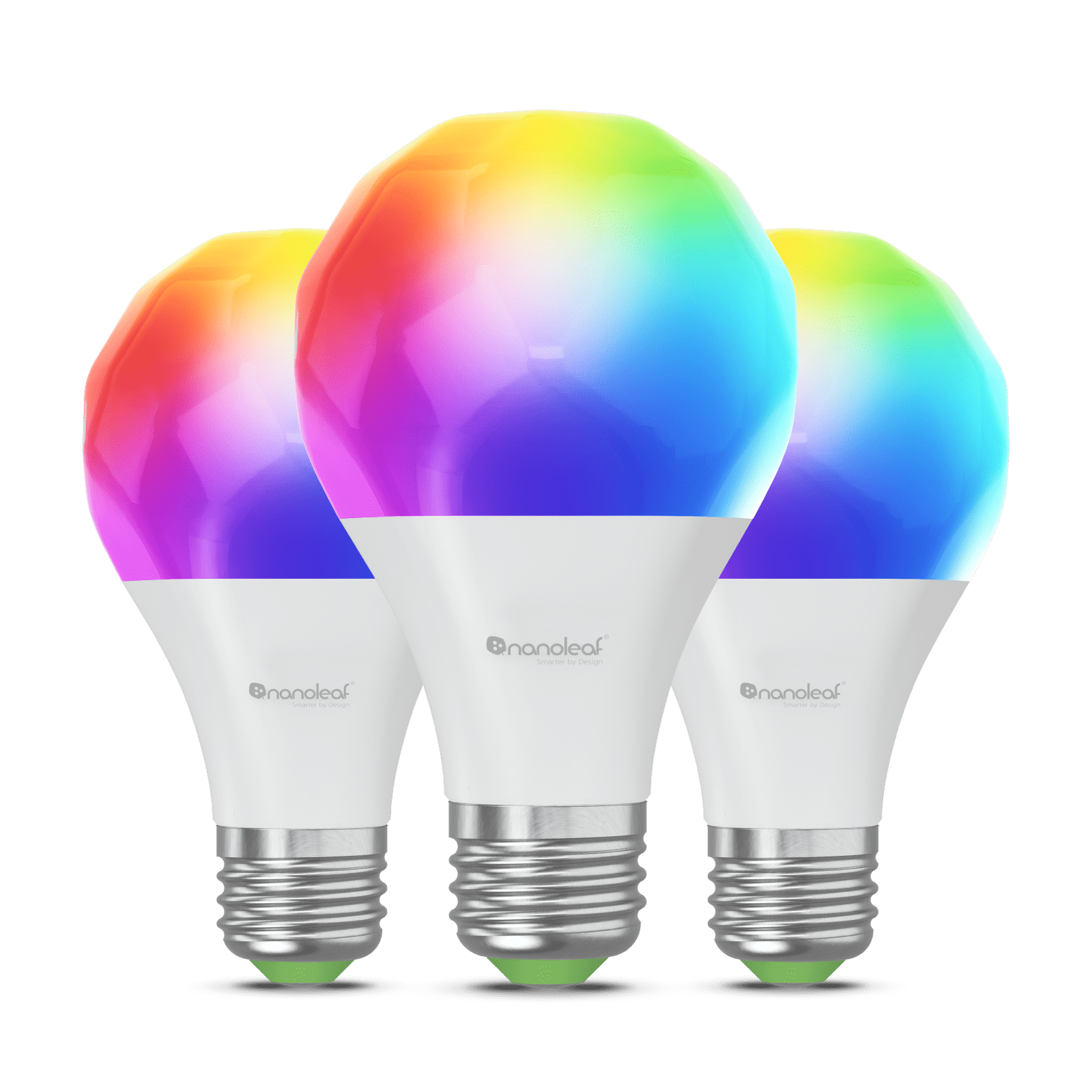
Two bulbs (one Wi-Fi, one Thread), a Thread plug and a Thread shade motor. Check each pick’s own line below for what its maker says about Home Assistant. (our catalog)
Light bulb · Wi-Fi
Listed for Apple Home, Amazon Alexa, Google Home and Samsung SmartThings
Amazon
No Home Assistant statement on file
Light bulb · Thread
Listed for Apple Home, Amazon Alexa, Google Home and Samsung SmartThings
Nanoleaf
No Home Assistant statement on file
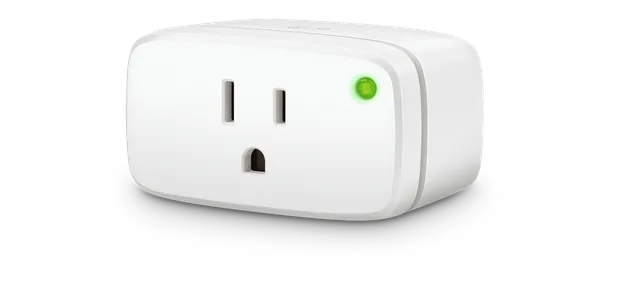
Smart plug · Thread
Listed for Apple Home, Amazon Alexa, Google Home and Samsung SmartThings
Before you buy
Requires a compatible Matter controller for your chosen Apple Home, Alexa, Google Home or SmartThings setup and a Thread border router. Bluetooth is used for setup. Energy history and schedules depend on the app and platform; do not assume every Matter controller exposes them. Check Eve’s current platform guidance.
Manufacturer requirements · checked 2026-09-19Amazon
Named by the maker: “Works with Apple Home, Samsung SmartThings, Amazon Alexa, Google Home and Home Assistant.” · maker’s page (read date)
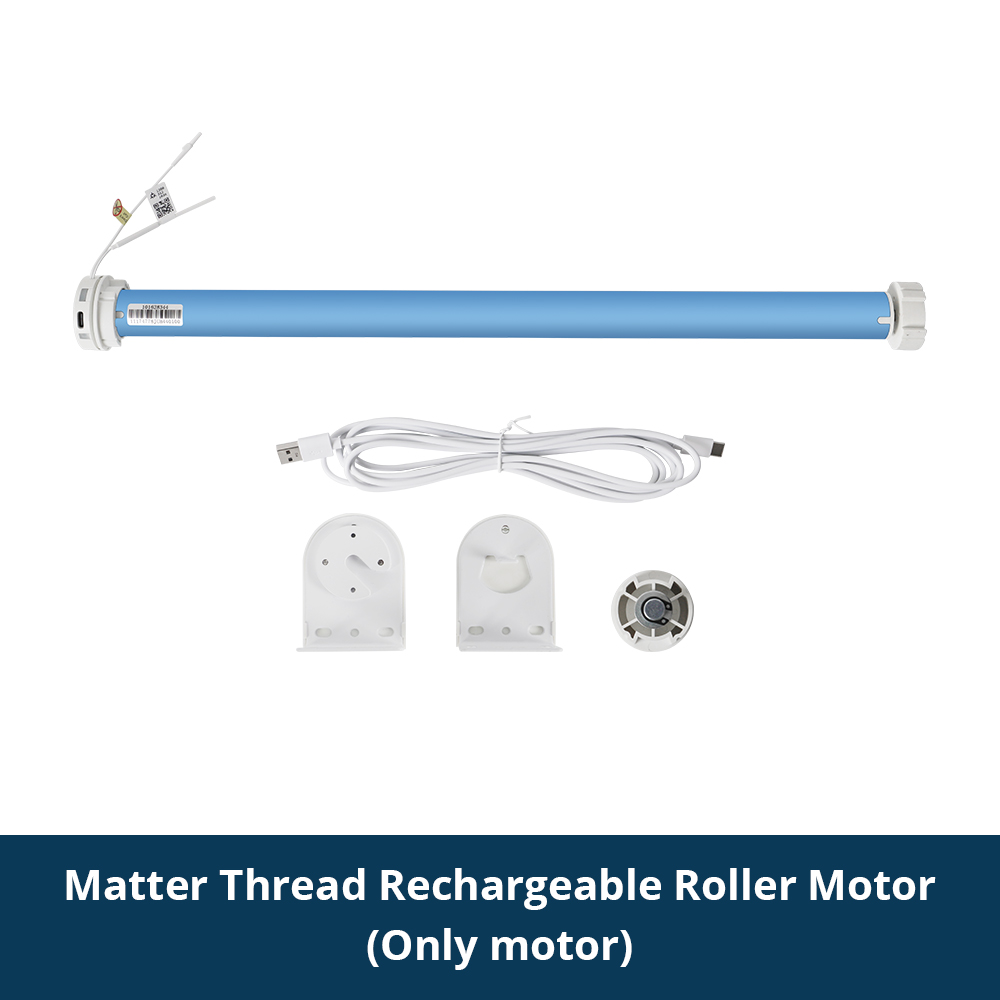
Shade motor · Thread
Listed for Apple Home and Amazon Alexa
Amazon
Named by the maker: “Compatible with Matter-enabled platforms such as HomeKit, Google Home, SmartThings, and Home Assistant for unified smart home automation.” · maker’s page (read date)
A lock and a contact sensor for the front door. Both use Thread, so both need a Thread border router. (our catalog)

Smart lock · Thread
Listed for Apple Home, Amazon Alexa, Google Home and Samsung SmartThings
Amazon
Named by the maker: “Powered by Matter over Thread, the Smart Lock U400 works by design with Apple Home, Home Assistant, Google Home, Amazon Alexa, Samsung SmartThings and other ecosystems” · maker’s page (read date)
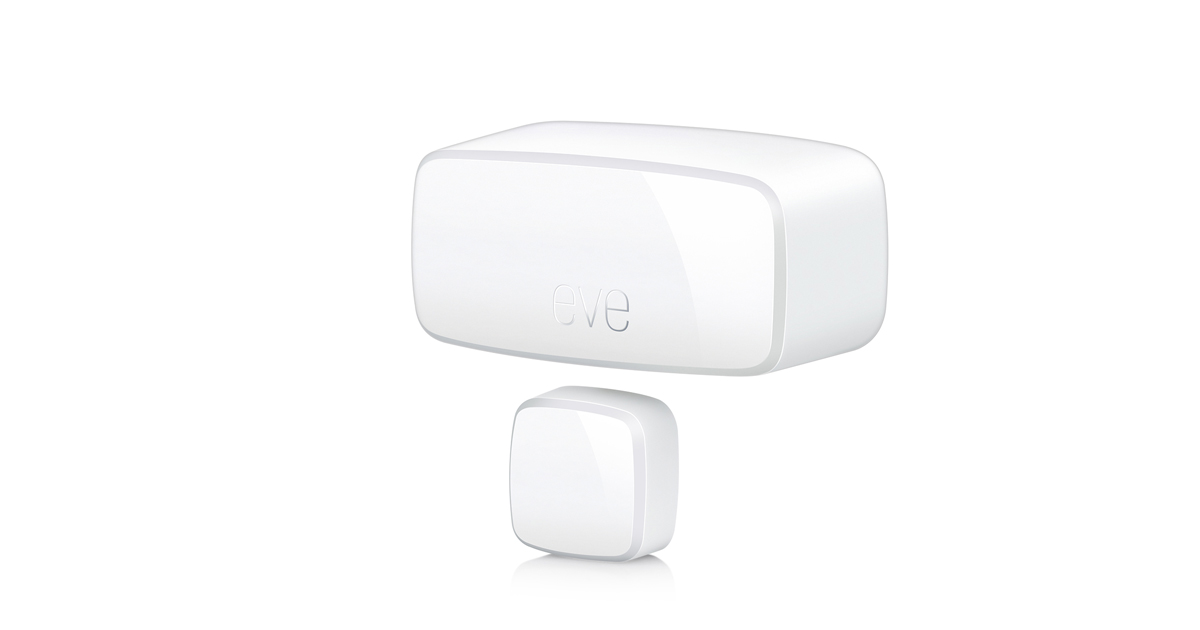
Contact sensor · Thread
Listed for Apple Home, Amazon Alexa, Google Home and Samsung SmartThings
Before you buy
Needs: compatible Matter controller + Thread border router; one ½ AA ER14250 3.6 V battery per sensor. Check sensor/magnet alignment. Automations and notifications vary by platform.
Manufacturer requirements · checked 2026-09-18Amazon
No Home Assistant statement on file
Sensors that start automations: lights on when someone walks in, a fan when a room is occupied. (our catalog)

Presence sensor · Thread
Listed for Apple Home, Amazon Alexa, Google Home and Samsung SmartThings
Amazon
Named by the maker: “FP400 supports dual Thread and Zigbee protocols for easy integration with Apple Home, Home Assistant, Google Home, Alexa, and SmartThings.” · maker’s page (read date)
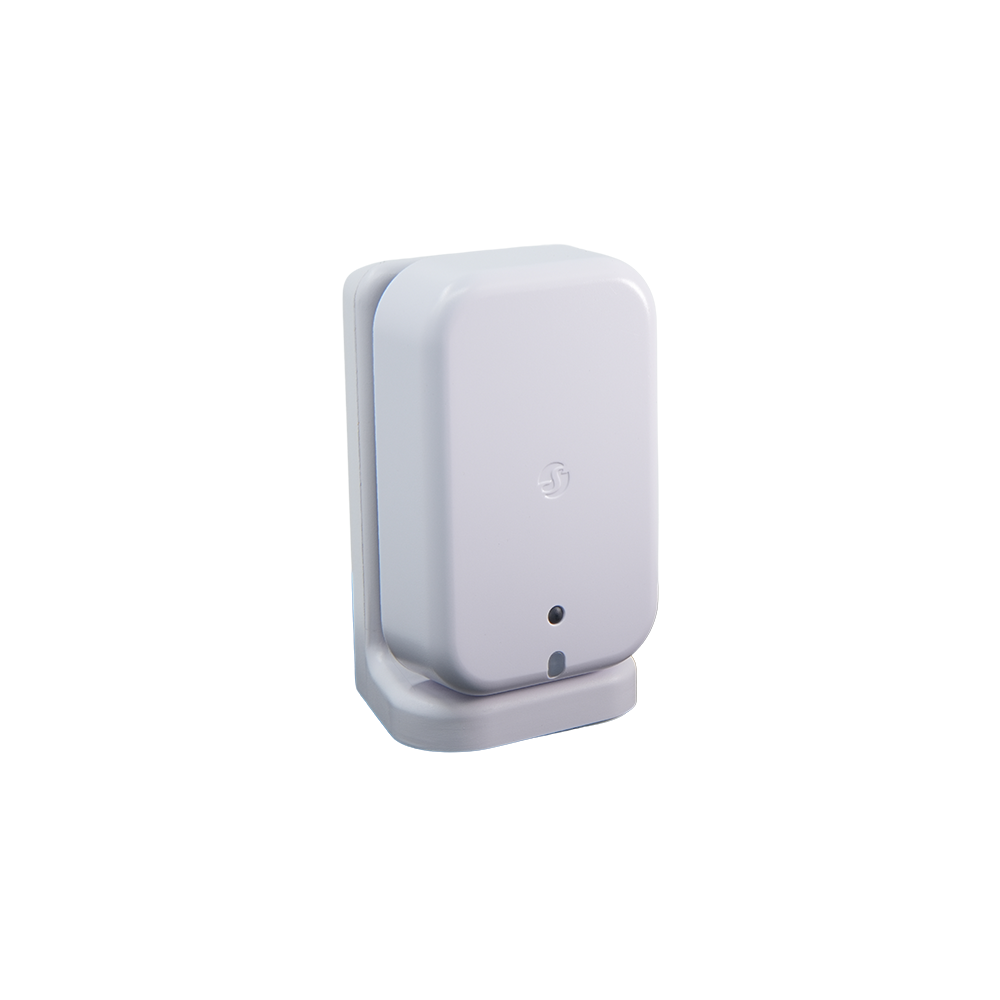
Presence sensor · Wi-Fi
Listed for Apple Home, Amazon Alexa, Google Home and Samsung SmartThings
Amazon
Named by the maker: “The Shelly Presence Gen4 works seamlessly with Shelly Smart Control, Home Assistant, Google Home, Amazon Alexa, SmartThings, and other Matter-compatible smart home platforms.” · maker’s page (read date)
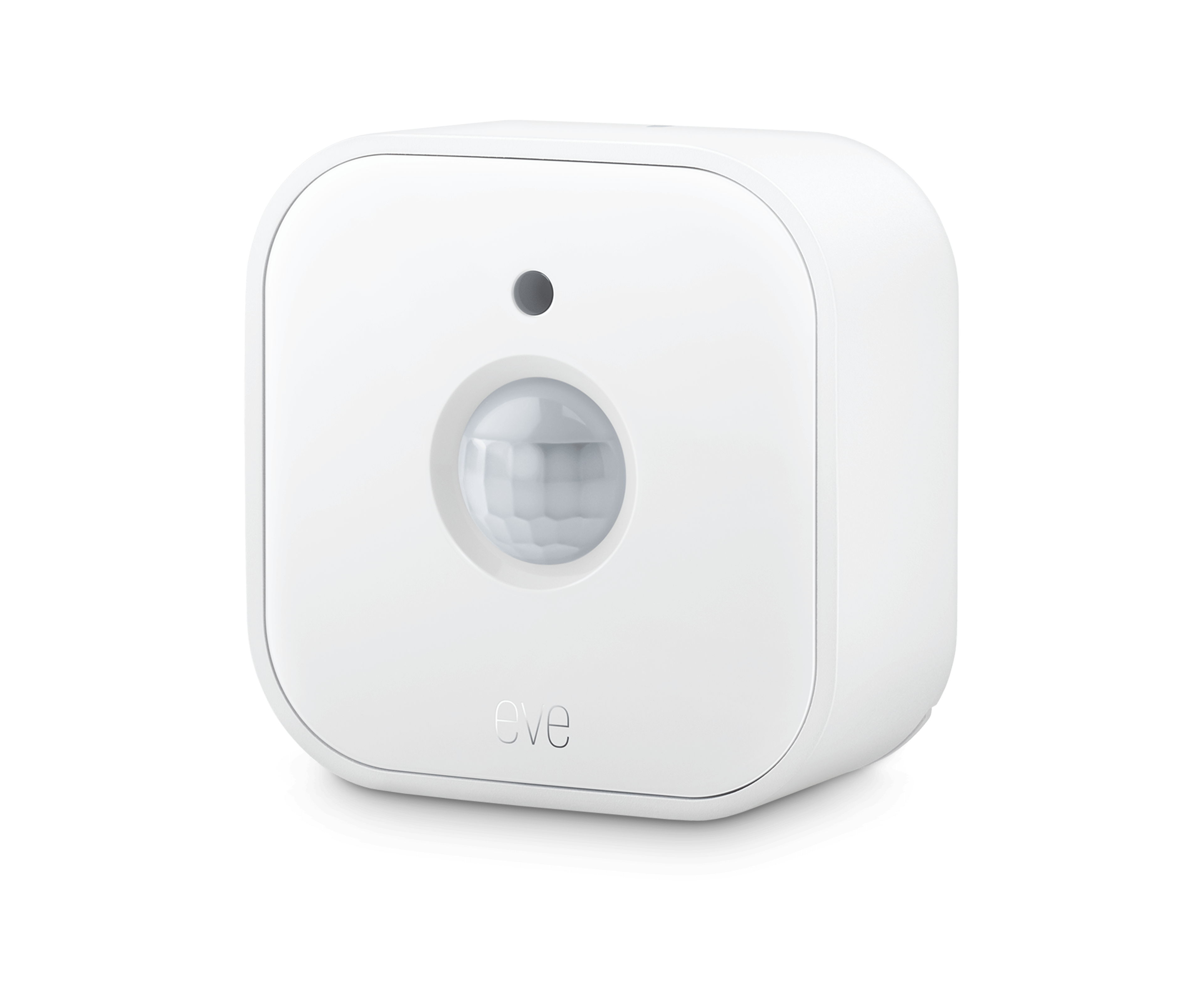
Motion sensor · Thread
Listed for Apple Home, Amazon Alexa, Google Home and Samsung SmartThings
Before you buy
A compatible Matter controller and Thread border router. App support for light-level automations and advanced settings varies. Position within the specified detection area. IPX3 splash resistance is not waterproofing; follow the manufacturer’s placement guidance. The linked Amazon offer is a three-pack. It is a motion sensor, not a guarantee that an occupied room will always register as occupied.
Manufacturer requirements · checked 2026-09-16Amazon
No Home Assistant statement on file
In-wall controls: check the maker’s wiring requirements (a neutral wire, the box size) before you buy. (our catalog)
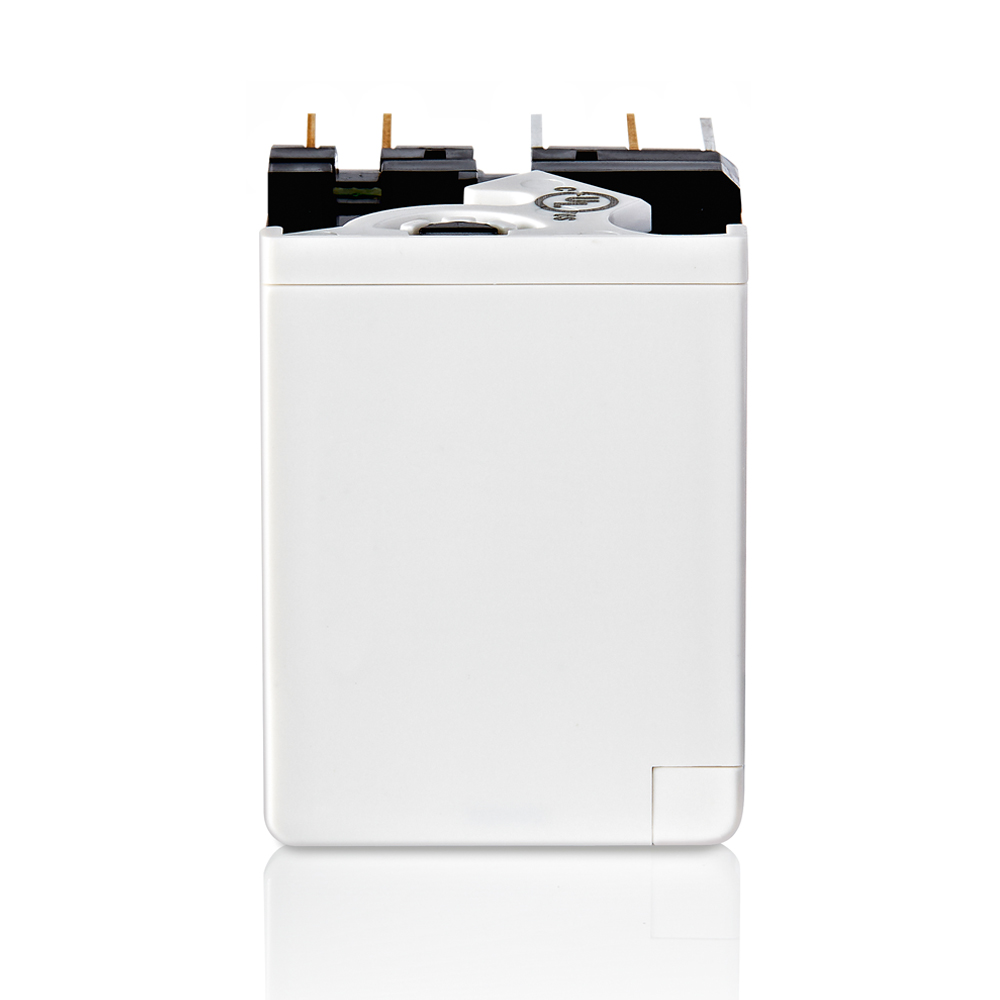
Switch module · Wi-Fi
Listed for Apple Home, Amazon Alexa, Google Home and Samsung SmartThings
Leviton
Named by the maker: “THE MOST CONNECTED – Works with Alexa, Google Assistant, Apple Home, SmartThings, Home Assistant, Resideo, and is Matter ready out of the box” · maker’s page (read date)
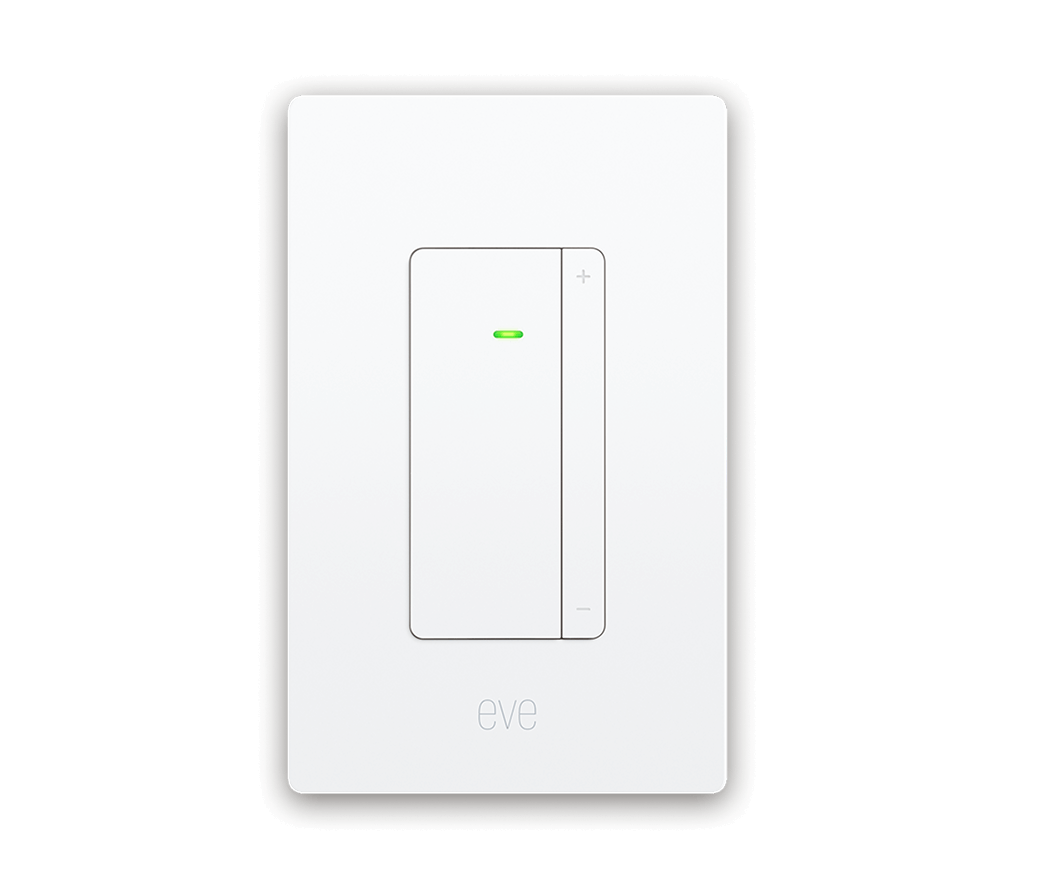
Wall dimmer · Thread
Listed for Apple Home, Amazon Alexa, Google Home and Samsung SmartThings
Amazon
Named by the maker: “Works with Apple Home, Samsung SmartThings, Amazon Alexa, Google Home or Home Assistant.” · maker’s page (read date)
A bridge brings the Zigbee devices of its own brand into Home Assistant through Matter. Home Assistant says: “There is no guarantee that all the devices from that ecosystem can be used in Home Assistant.” (Home Assistant: Matter, read Oct 28, 2026)

Zigbee to Matter bridge · Wi-Fi
Listed for Apple Home, Amazon Alexa, Google Home and Samsung SmartThings
Amazon
Named by the maker: “THIRDREALITY Smart Bridge MZ1 -Zigbee to Matter Connectivity, Compatible with Google Home, Apple Home, SmartThings, Home Assistant etc.” · maker’s page (read date)
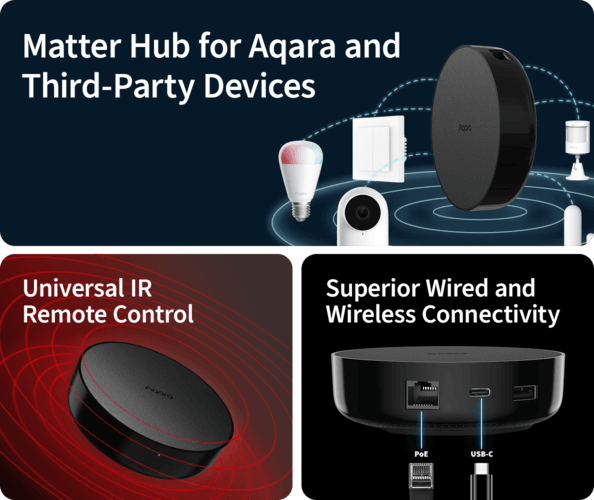
Amazon
Named by the maker: “It connects Aqara Zigbee devices to major Matter ecosystems including Apple Home, Google Home, Alexa, SmartThings, and Home Assistant.” · maker’s page (read date)
17 products: the picks above and every other CSA-certified product sold in the US whose maker’s own page names Home Assistant. Every row is Matter certified for the exact model, with a verified US store link. “Named by the maker” means the maker’s page names Home Assistant and we quote it; the other rows have no such statement on file, which does not mean they fail to work. A Thread device needs a Thread border router. (our catalog; makers’ pages)
A Thread device and no Thread border router: adding it fails with the error “this device requires a border router”. Set up a border router first (a Nest Hub 2nd gen, a HomePod mini, or the Connect ZBT-2 with the OpenThread Border Router app). (Home Assistant: Matter, read Oct 28, 2026)
A network that blocks multicast: Home Assistant says Matter relies on “IPv6 and mDNS (multicast traffic) traveling freely in your network” and “may not integrate well with enterprise networking solutions”, meaning VLANs, multicast filtering and malfunctioning IGMP snooping. It asks you to keep Wi-Fi Matter devices on the same VLAN as Home Assistant. (Home Assistant: Matter, read Oct 28, 2026)
Android location permission: Home Assistant says to set the Companion app’s Location permission to Allow all the time while you commission, because Android restricts Wi-Fi SSID access for background apps, which can cause commissioning to fail. (Home Assistant: Matter, read Oct 28, 2026)
Firmware updates through an Apple border router: Home Assistant says “Apple border routers don’t forward the mDNS packets needed to discover the update provider on the Home Assistant end”, so an update can fail with “Target node did not process the update file”. Updates are also optional: not every Matter device implements them. (Home Assistant: Matter, read Oct 28, 2026)
Matter is not always the best way in: Home Assistant’s example is Philips Hue, where “the communication over Matter only provides the basic controls over lights, while the official Hue integration brings all Hue unique features like (dynamic) scenes or entertainment mode”. (Home Assistant: Matter, read Oct 28, 2026)
Bridges and accounts: a bridge such as the SwitchBot Hub 2, Aqara Hub M2, IKEA Dirigera or Philips Hue Bridge exposes its own brand’s devices, with no guarantee that all of them appear. Some makers also ask you to set up an account before Matter can be turned on. (Home Assistant: Matter, read Oct 28, 2026)
Home Assistant is a Matter controller, “meaning that it can control Matter-based devices”, and it publishes no per-model list. Look for the Matter logo and a Wi-Fi or Thread logo on the box. As of Oct 28, 2026, 13 of the 689 CSA-certified Matter products we list for the US have a maker page that names Home Assistant; the table above quotes each page. (Home Assistant: Matter, read Oct 28, 2026; our catalog; makers’ pages)
No brand hub. Home Assistant runs the Matter controller itself. A Wi-Fi Matter device needs nothing else; a Thread device needs a Thread border router, such as a Nest Hub (2nd gen), a HomePod mini, an Apple TV 4K, or Home Assistant with the OpenThread Border Router app on a Connect ZBT-2. A bridge (Home Assistant names the SwitchBot Hub 2, Aqara Hub M2, IKEA Dirigera and Philips Hue Bridge) is only for bringing a brand’s own non-Matter devices in. (Home Assistant: Matter, read Oct 28, 2026; Home Assistant: Thread, read Oct 28, 2026)
Home Assistant does not need a Matter hub, because it is the controller. If you want a bridge for Zigbee devices you already own, Aqara Smart Hub M200, SONOFF NSPanel Pro and ThirdReality Smart Bridge MZ1 have a maker page that names Home Assistant. We do not rank them. (Home Assistant: Matter, read Oct 28, 2026; our catalog; makers’ pages)
Aqara Motion and Light Sensor P2 (Thread), Aqara Spatial Multi-Sensor FP400 (Thread), Aqara Multi-State Sensor P100 (Thread) and Shelly Presence Gen4 (Wi-Fi) have a maker page that names Home Assistant. A Thread sensor also needs a Thread border router. Home Assistant says it is a Matter controller that can control Matter-based devices; for any other certified Matter sensor, its maker does not say on a page we hold whether it works with Home Assistant. We do not rank them. (our catalog; makers’ pages; Home Assistant: Matter, read Oct 28, 2026)
Not if you already have a Thread border router that Home Assistant supports, such as a Nest Hub (2nd gen), a HomePod mini or an Apple TV 4K. The Connect ZBT-2 (or the older ZBT-1) is Home Assistant’s own option: it turns Home Assistant into a Thread border router with the OpenThread Border Router app, after you dedicate it to Thread instead of Zigbee. (Home Assistant: Matter, read Oct 28, 2026; Home Assistant: Thread, read Oct 28, 2026; Home Assistant: Connect ZBT-2, read Oct 28, 2026; Home Assistant: Connect ZBT-1, read Oct 28, 2026)
Yes. Home Assistant says you can join the same device to multiple controllers, for example Google Home, Apple Home and Home Assistant at once, and that each device should support at least 5 fabrics. In the Companion app choose Add device, then “Yes. It’s already in use.” and pick the controller it is already on. (Home Assistant: Matter, read Oct 28, 2026)
The device uses Thread, and Home Assistant found no Thread border router. Set one up (a Nest Hub 2nd gen, a HomePod mini, or the Connect ZBT-2 with the OpenThread Border Router app), keep your phone near the device, and add it again. (Home Assistant: Matter, read Oct 28, 2026)
A device is marked as working with Home Assistant only where its maker says so. Store prices are confirmed at the store.